Point at the frame.
Pin a note right on the film. Tino reads where you pointed and changes that, and nothing else.
A studio in Tino
Describe it, and Tino makes the first cut in the conversation: titles, motion, 3D and an original score. Step inside for a real timeline.
Coming to Mac. Free during launch.
The Movie studio in Tino: a film of a house at dusk in the viewer, a timeline of layers below, and Tino's pink playhead on the lockup.
Talk it through
Tino makes the first cut right in the conversation, as a card you can play. Ask for another, warmer, shorter. Point at a moment, or press Open in Movie, and you’re in the studio.
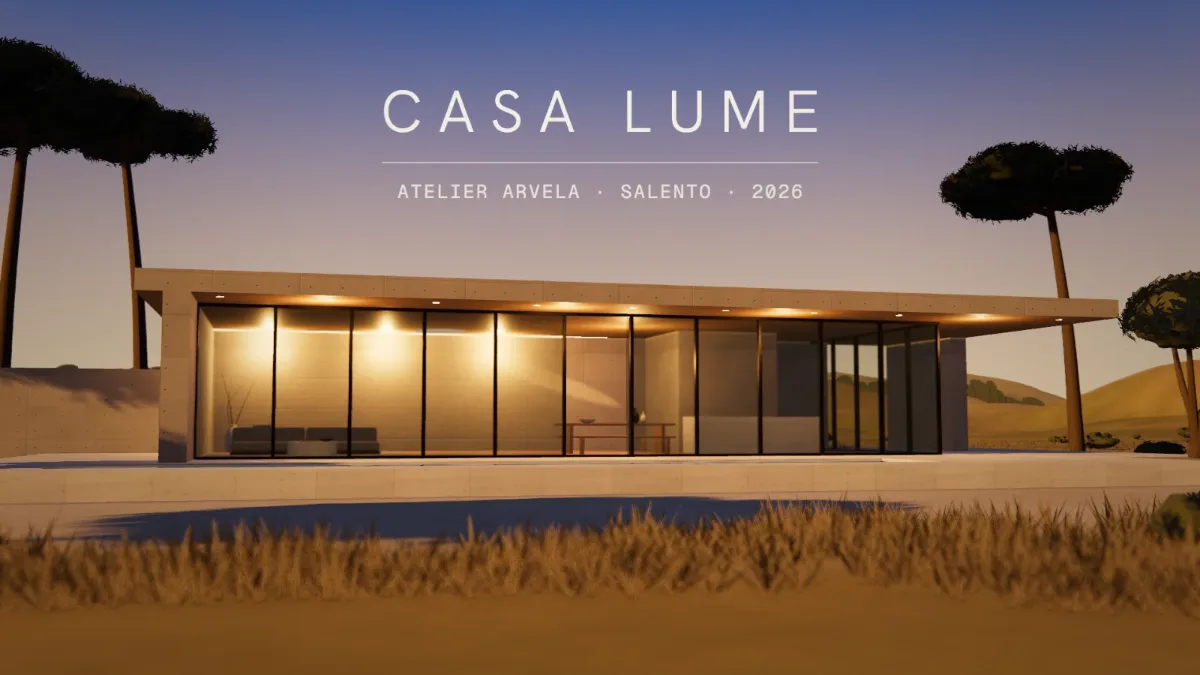
The Tino conversation with the Casa Lume film card. You write: At 0:09 the water comes in too soon. Stay inside a moment longer. Tino asks: Open the film in Movie? A change at 0:09 is timeline work. Then the window turns dark and the Movie studio opens on the same film. Tino holds Light one beat longer and takes that beat from Water, so the film stays at fifteen seconds.
Step inside
Pin a note right on the film. Tino reads where you pointed and changes that, and nothing else.
The Movie studio on the film First Light, a rocket launch that ends on a mission patch and the launch date. In Vibe the film fills the window, with a scrubber and the conversation beside it, and your note pinned on the date. In Pro the same window gains the inspector and the timeline of layers.
The film, the conversation, and nothing in the way. Pin notes on the picture and let Tino do the rest.
Timeline, layers, keyframes and an inspector, with Tino still beside you. Same film, switch any time.
Talk to Tino while the film plays. What you say is transcribed on your Mac.
Tino composes an original soundtrack for each film, written to the picture, not pulled from a library.
Tino watches its own frames and fixes what’s off before you have to ask.
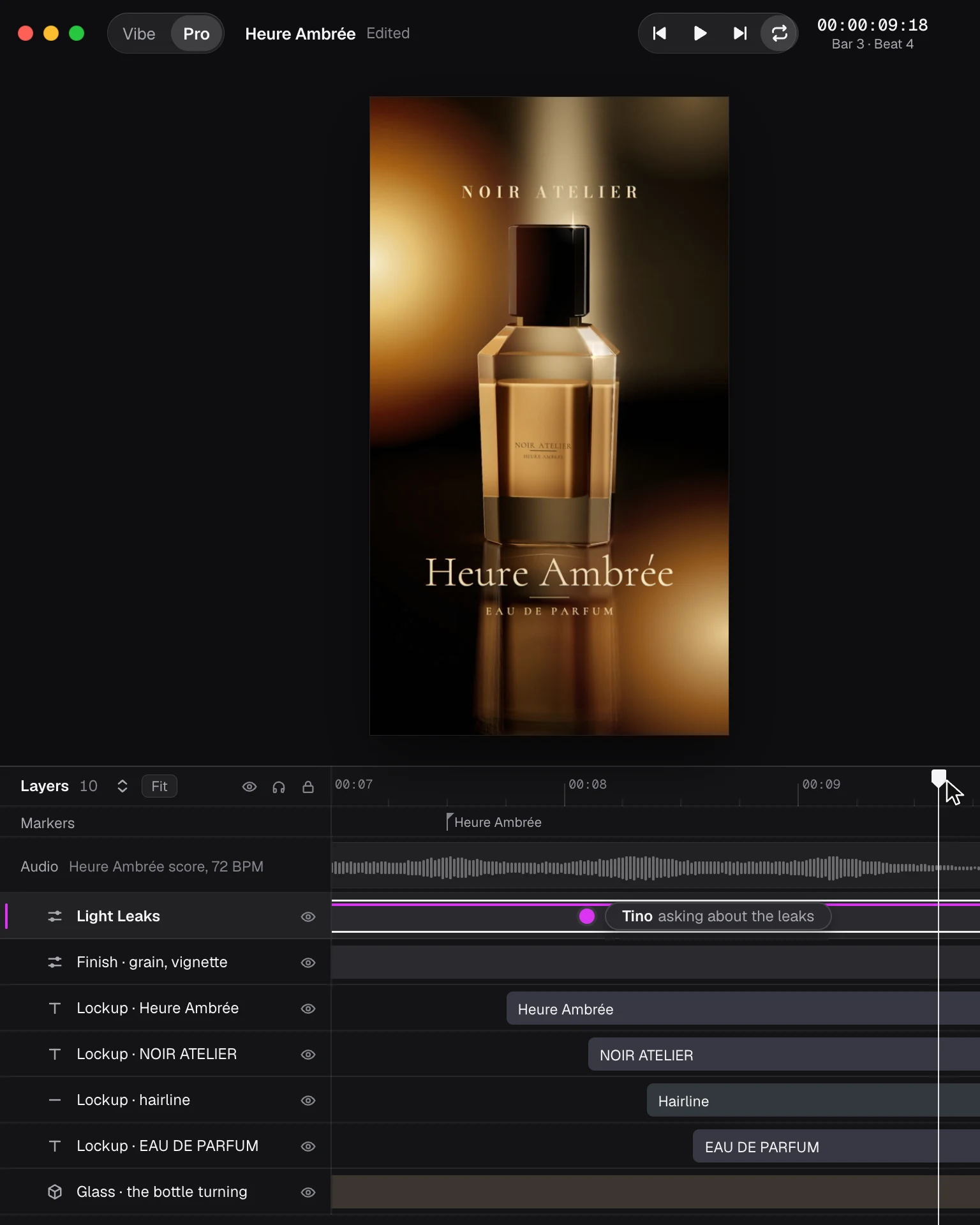
Type, small worlds and objects in real 3D, lit and filmed in the film.
Light leaks, god rays, ink bloom, CRT and dozens more, live on the frame.
Music written for this film and cut to its beats.
Your colours, type and logo, in every film and every deck.
Brand kitsAdd images, PDFs, audio or video to what you ask.
Wide, vertical and square, for screens and stories.
Every version is a file in your project folder. Tino keeps the conversation beside it, on this Mac.
LibraryEvery edit, yours or Tino’s, is one step back.
Up to 4K. Save it anywhere, then share it or drag it into your next post.
Films
Live, in your browser, on the Movie studio’s own engine. See all ten